

for main page:
Overview
MotorXP-AFM is available as a MALTAB-based application and as a standalone program working without MATLAB.
Analysis Methods
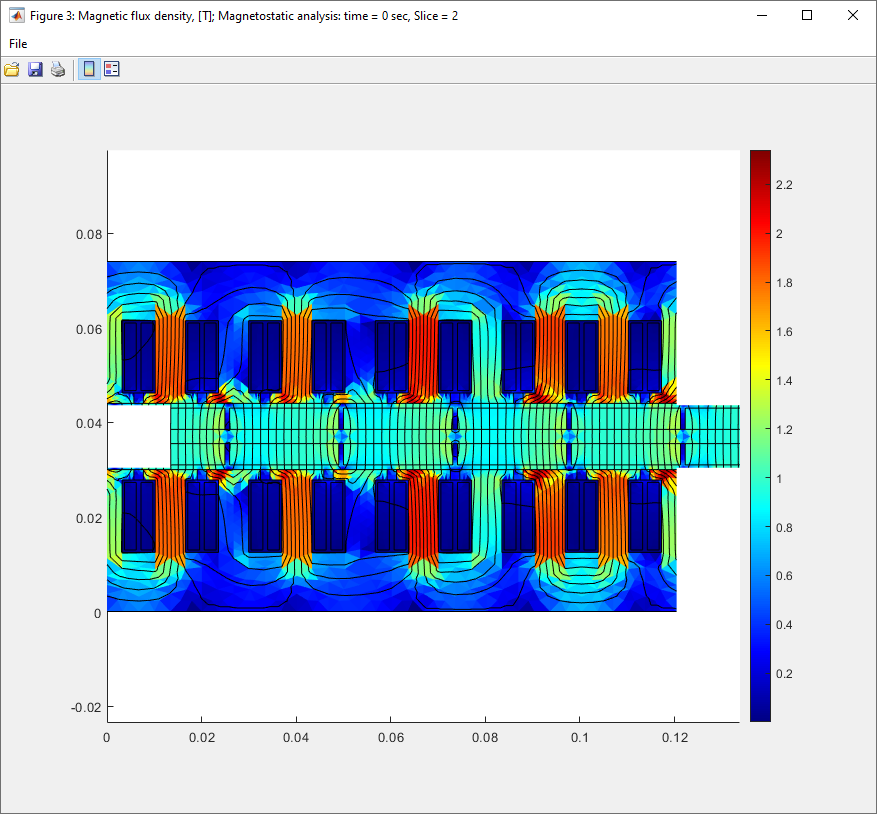
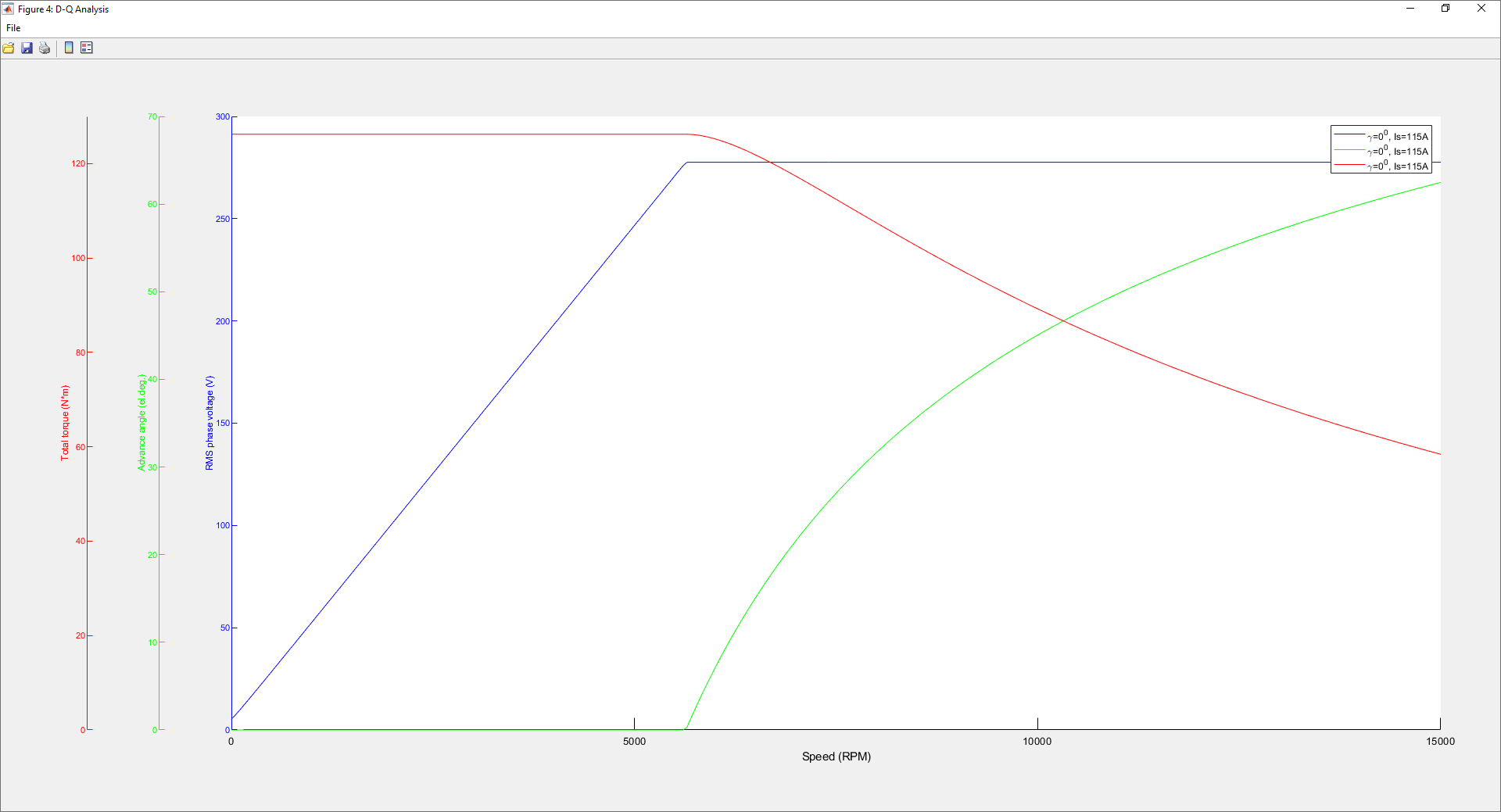
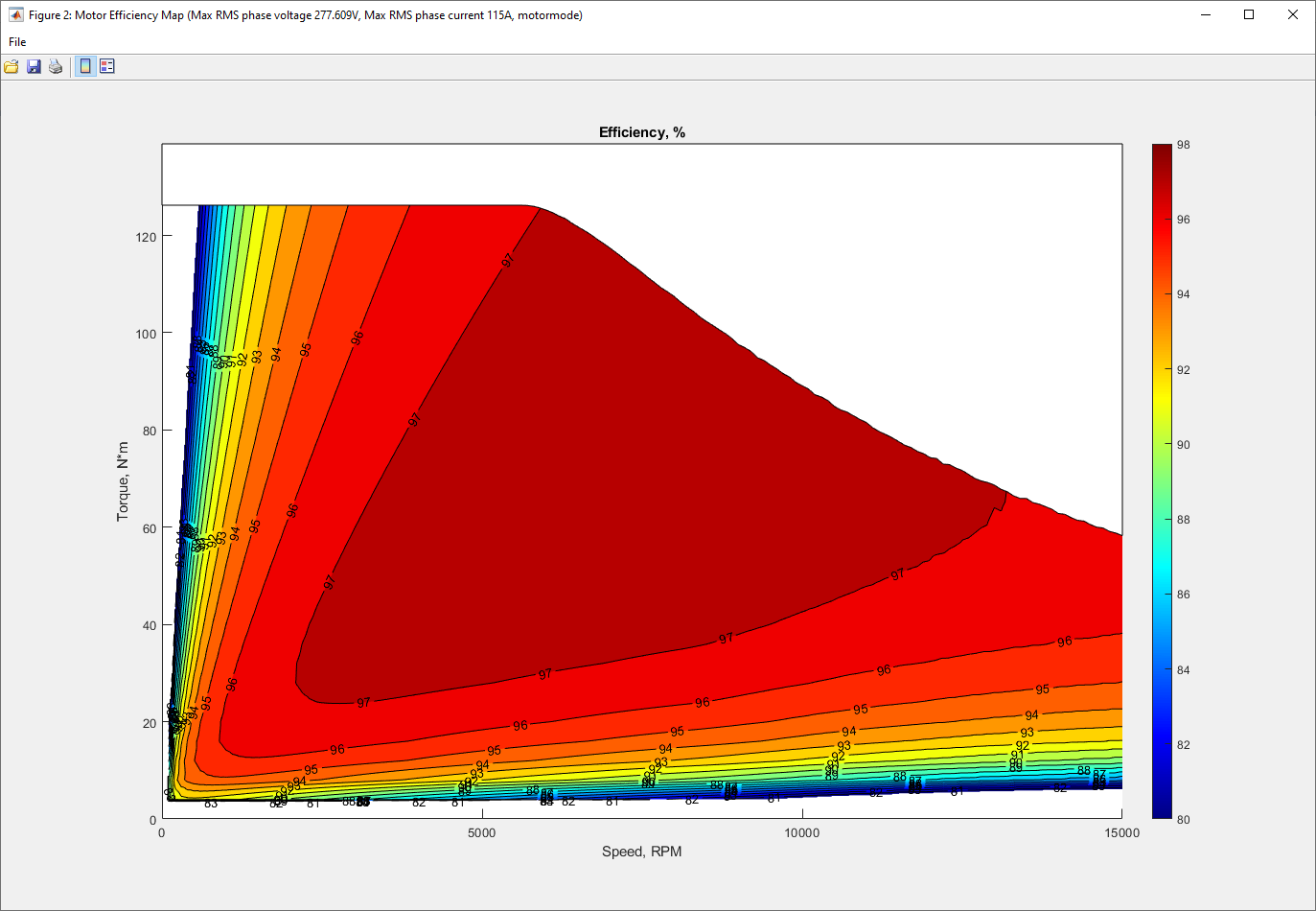
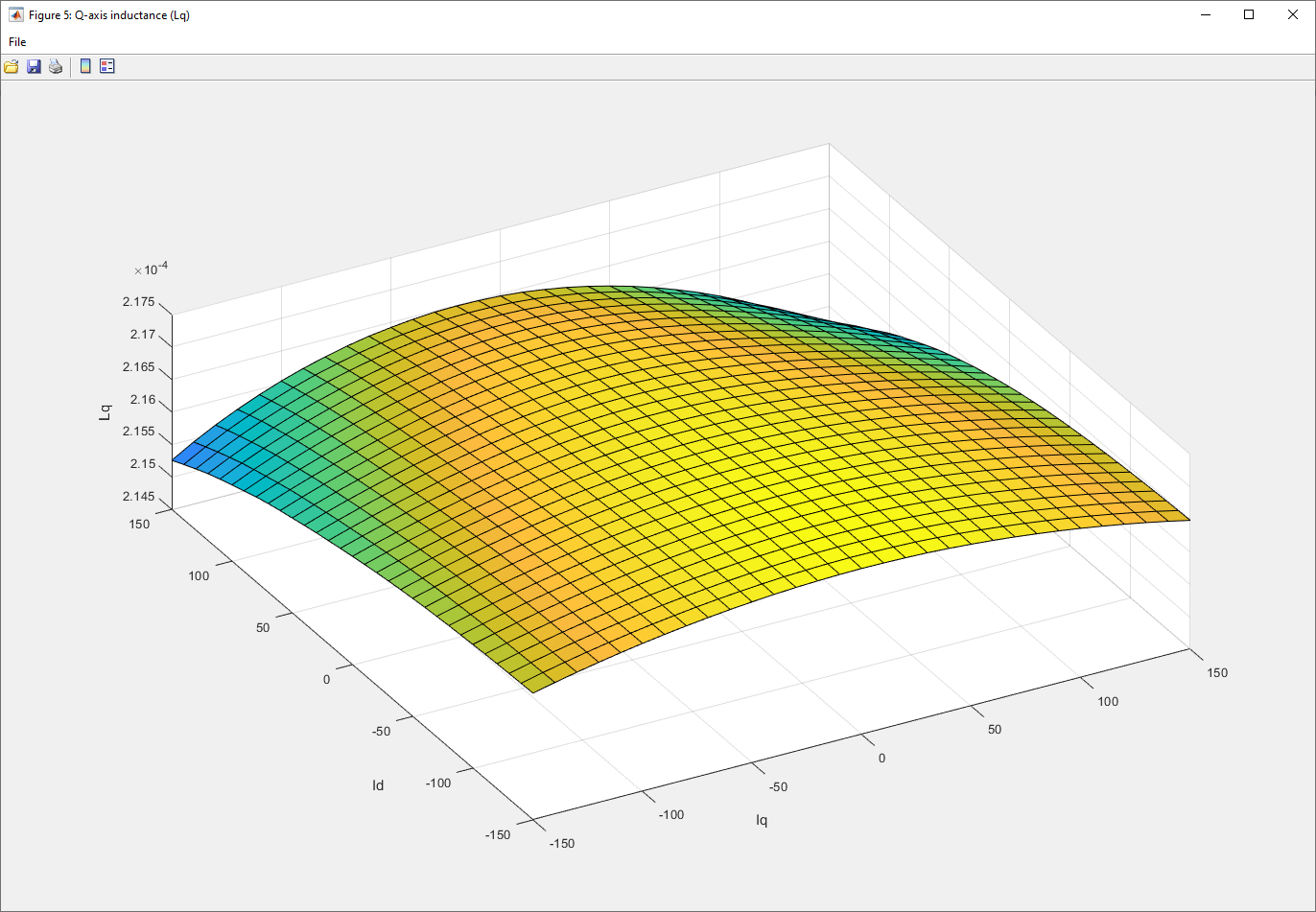
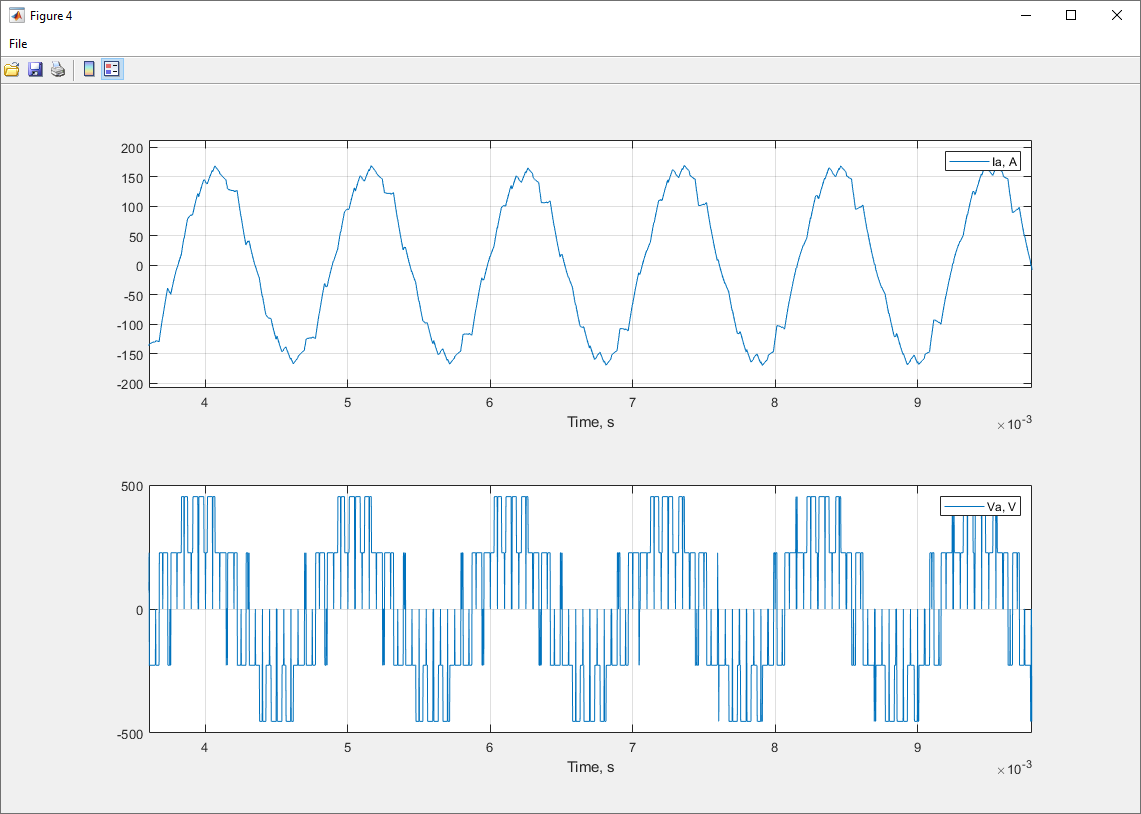
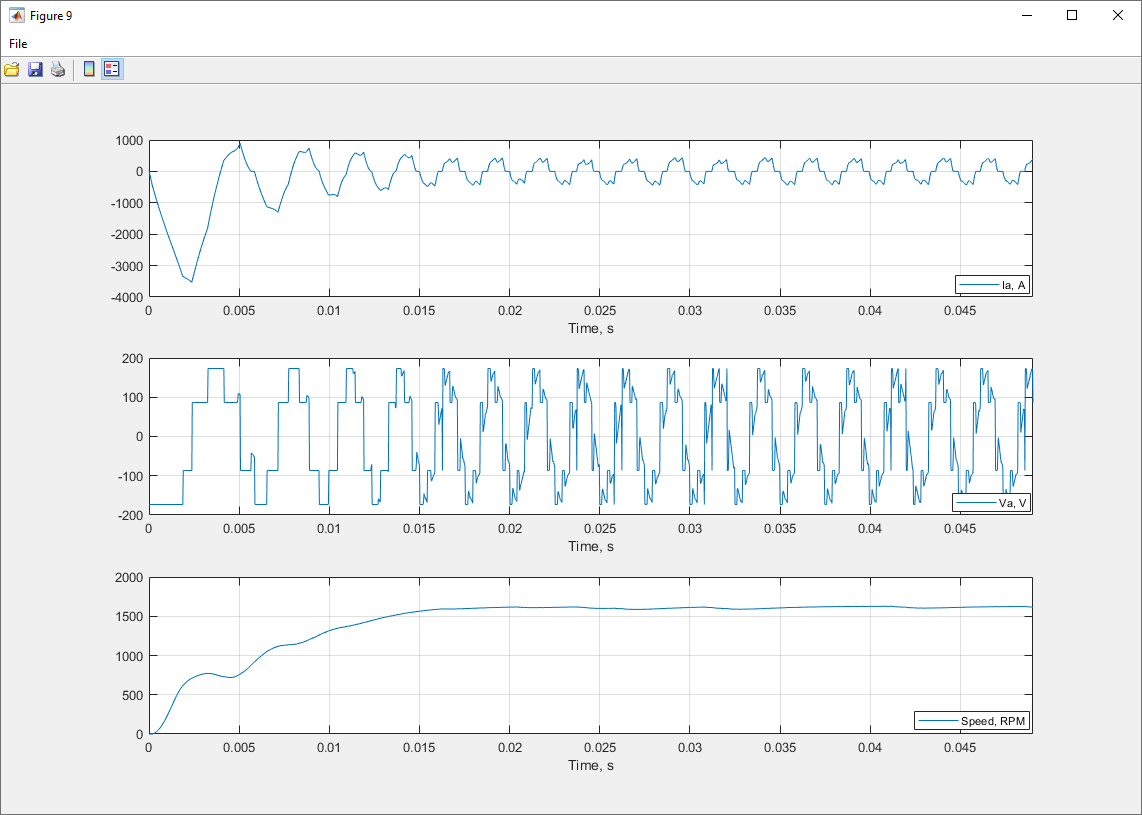
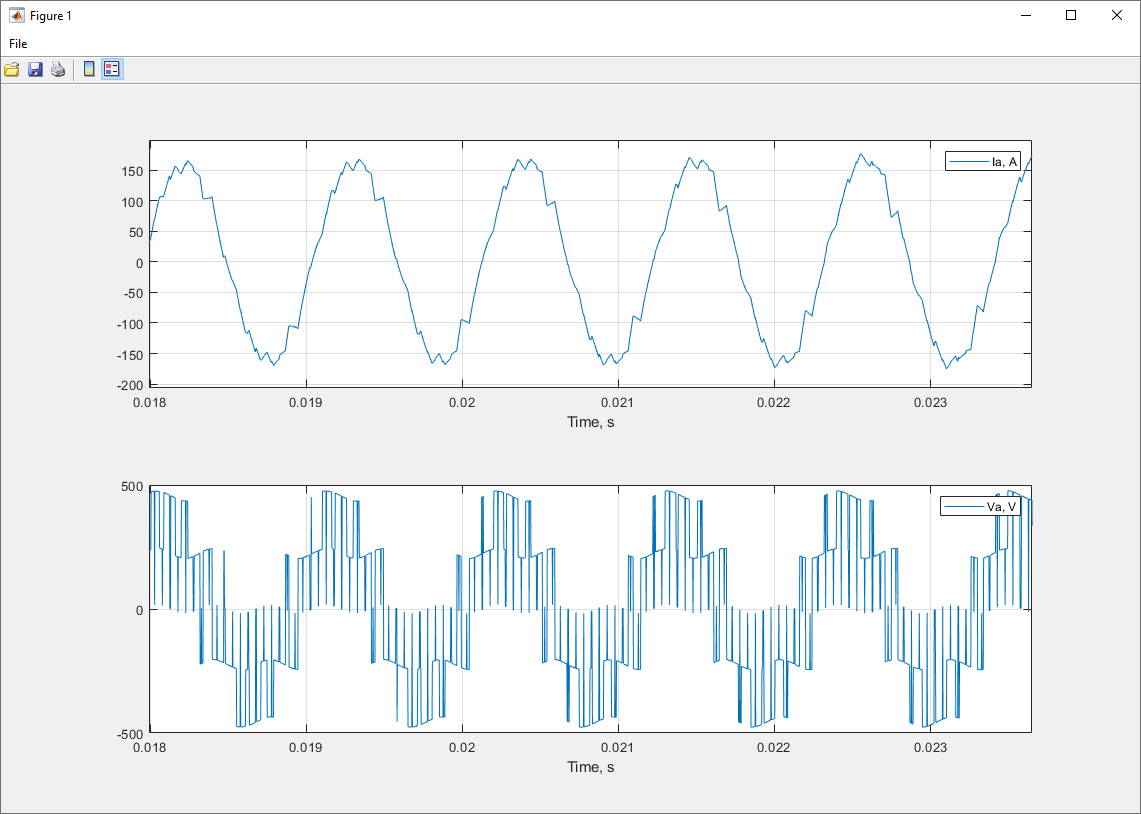
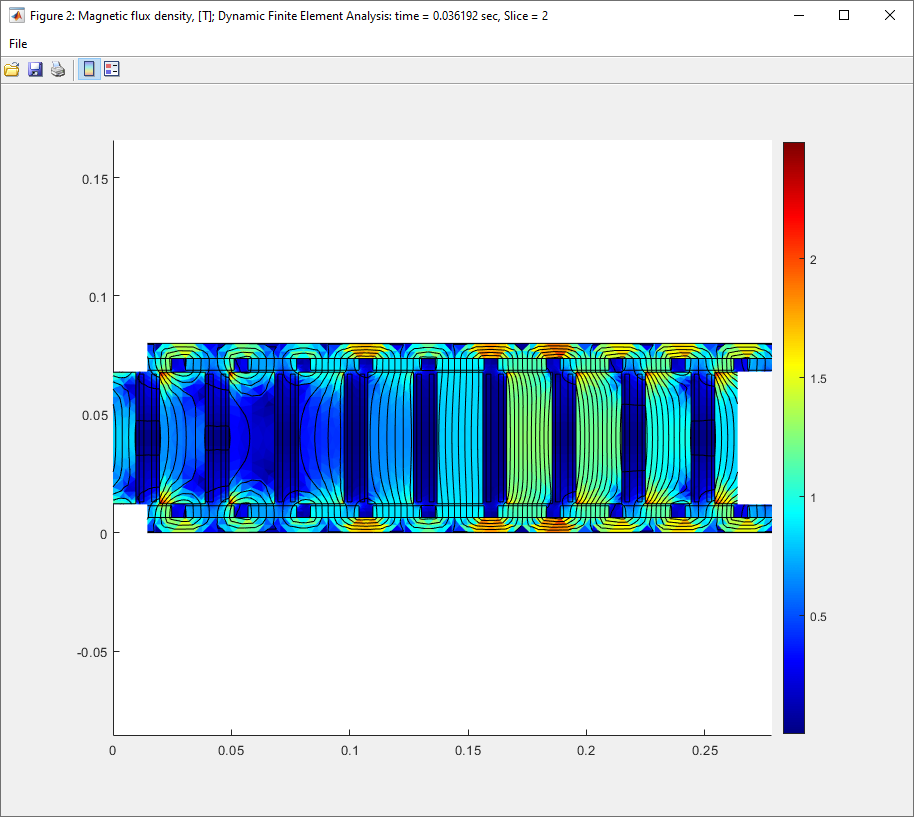
for Downloads page:
Request a Free One-Month Trial of MotorXP-PM:
*MotorXP-PM Versions
MotorXP-PM is available as a MATLAB application (MotorXP-PM MATLAB version) and as a standalone program (MotorXP-PM Standalone) working without MATLAB.
MotorXP-PM MATLAB version requires MATLAB to run. MotorXP-PM MATLAB version has extended capabilities with the use of MATLAB based scripting:
- User defined electrical circuits connected to stator winding
- User defined simulation scripts to extend the capabilities of FEA simulations
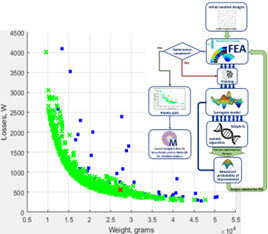
- Parametric analysis and optimization API with parallel processing for automatization of the design process
MotorXP-PM Standalone version is an independent application. MATLAB is not required to run MotorXP-PM Standalone.
MotorXP-PM FREE Edition
By default, MotorXP-PM is provided free of charge under the brand MotorXP-PM (FREE Edition). MotorXP-PM (FREE Edition) can be upgraded to MotorXP-PM (Pro) by purchasing a License Key File . MotorXP-PM (FREE Edition) has all the functionality of MotorXP-PM (Pro) except that the FREE Edition of the program does not activate project files. It means that all the project files created or modified in MotorXP-PM (FREE Edition) will be not available for any analysis and simulation using MotorXP-PM (FREE Edition). After a project file has been activated in MotorXP-PM (Pro), it also becomes available for analysis using MotorXP-PM (FREE Edition). In other words, running simulations not always requires a license. License is required only when creating or modifying project files. It gives an additional flexibility in using the program. You can share your project files ready for analysis with your colleges or customers who do not have a license for MotorXP-PM (Pro).
Installation
Installation process of MotorXP-PM Standalone is fully automatic. It is recommended that you close all other applications before installing MotorXP-PM Standalone. MotorXP-PM Standalone uses MATLAB Runtime 9.9 to run which will be automatically downloaded and installed on your computer during installation of MotorXP-PM Standalone (please note that MATLAB Runtime requires additional 6.6 GB of free disk space). You can also download and install MATLAB Runtime 9.9 manually from the MathWorks website at the following link:
https://www.mathworks.com/products/compiler/matlab-runtime.html
MotorXP-PM Standalone currently supports only 64-bit version of Windows 7, 8, 10, 11.
MotorXP-PM MATLAB version does not require installation.
MotorXP-PM (Pro) Educational License
Contact us to request a quotation for educational institutions. The software subject to an Educational license should be installed only on the computers belonging to the educational institution and can be used for learning, teaching, training and research. The Educational license does not allow to use the software for commercial purposes.
Tesla Model 3 Electric Motor Project Files
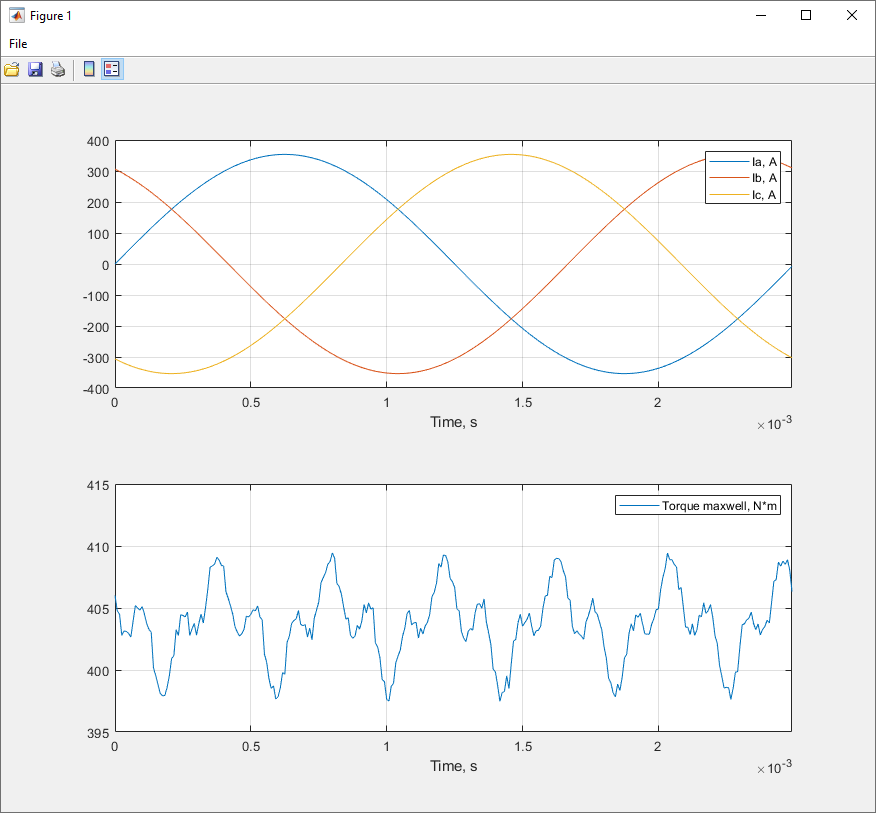
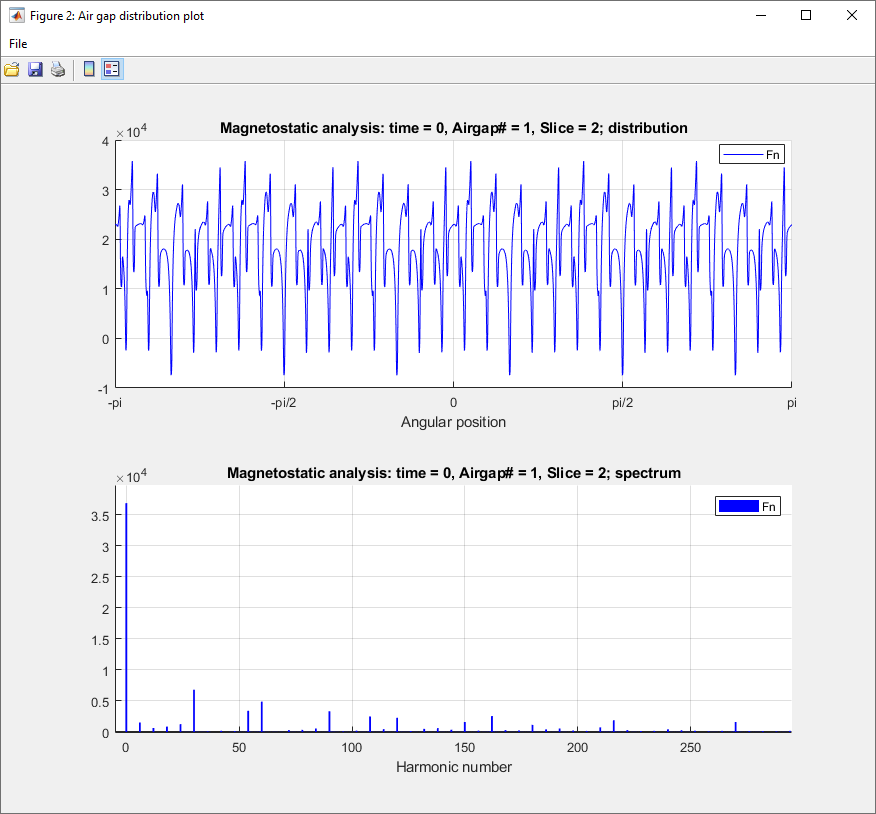
Reveal “the mystery” of the Tesla Model 3 electric motor by watching our video on YouTube and downloading a fully functional project files. You can run any analysis and simulation for the Tesla Model 3 electric motor using MotorXP-PM (FREE Edition), no license required.
Note that the Tesla Model 3 motor project files were saved in a protected format. It means that all the design data, such as geometry, winding, and materials, are hidden. The project files with the entire Tesla Model 3 electric motor design data are available with a one year or perpetual MotorXP-PM license subscription.
Download – Tesla Model 3 electric motor project files (.mxpp protected) – 2.01 MBRequest a Free One-Month Trial of MotorXP-AFM:
*MotorXP-AFM Versions
*MotorXP-AFM is available as a MATLAB application (MotorXP-AFM MATLAB version) and as a standalone program (MotorXP-AFM Standalone) working without MATLAB.
MotorXP-AFM MATLAB version requires MATLAB to run. MotorXP-AFM MATLAB version has extended capabilities with the use of MATLAB based scripting:
- User defined electrical circuits connected to stator winding
- User defined simulation scripts to extend the capabilities of FEA simulations
- Parametric analysis and optimization API with parallel processing for automatization of the design process
MotorXP-AFM Standalone version is an independent application. MATLAB is not required to run MotorXP-AFM Standalone.
MotorXP-AFM FREE Edition
By default, MotorXP-AFM is provided free of charge under the brand MotorXP-AFM (FREE Edition). MotorXP-AFM (FREE Edition) can be upgraded to MotorXP-AFM (Pro) by purchasing a License Key File . MotorXP-AFM (FREE Edition) has all the functionality of MotorXP-AFM (Pro) except that the FREE Edition of the program does not activate project files. It means that all the project files created or modified in MotorXP-AFM (FREE Edition) will be not available for any analysis and simulation using MotorXP-AFM (FREE Edition). After a project file has been activated in MotorXP-AFM (Pro), it also becomes available for analysis using MotorXP-AFM (FREE Edition). In other words, running simulations not always requires a license. License is required only when creating or modifying project files. It gives an additional flexibility in using the program. You can share your project files ready for analysis with your colleges or customers who do not have a license for MotorXP-AFM (Pro).
Installation
Installation process of MotorXP-AFM Standalone is fully automatic. It is recommended that you close all other applications before installing MotorXP-AFM Standalone. MotorXP-AFM Standalone uses MATLAB Runtime 9.8 to run which will be automatically downloaded and installed on your computer during installation of MotorXP-AFM Standalone (please note that MATLAB Runtime requires additional 5.7 GB of free disk space). You can also download and install MATLAB Runtime 9.8 manually from the MathWorks website at the following link:
https://www.mathworks.com/products/compiler/matlab-runtime.html
MotorXP-AFM Standalone currently supports only 64-bit version of Windows 7, 8, 10, 11.
MotorXP-AFM MATLAB version does not require installation.
MotorXP-AFM (Pro) Educational License
Contact us to request a quotation for educational institutions. The software subject to an Educational license should be installed only on the computers belonging to the educational institution and can be used for learning, teaching, training and research. The Educational license does not allow to use the software for commercial purposes.